Data Overlay 2 · Nine sports · Mac and Windows

One app. Every adventure.

Your camera captured the action. Your GPS captured the story. Put them together.

Data Overlay turns the log from your watch, bike computer, dive computer, FlySight or ForeFlight into gauges that move with your video, ready to drop on your timeline.

Free trial, then from $19.99 a month, $79.99 a year or $129.99 once. See pricing

Sports
Aviation, hiking, running, mountain biking, road cycling, scuba diving, rock climbing, parachuting, indoor cycling
Reads
FIT, GPX, TCX, KML, CSV, UDDF, Subsurface, FlySight
Exports
ProRes 4444 with alpha (Mac), PNG MOV, PNG sequence
Runs on
macOS 13.5+ (Apple silicon or Intel) · Windows 10 and 11
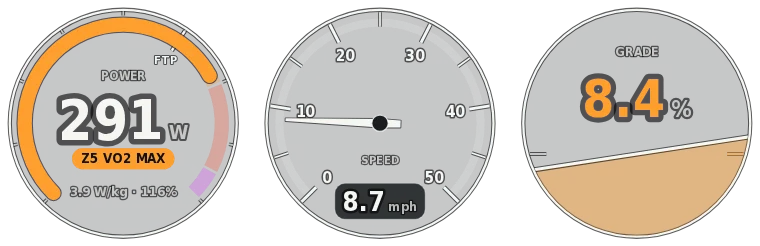
DataOverlay_Road-Cycling.mov1480 × 480 · RGBA · 30 fps
  1. Road cycling
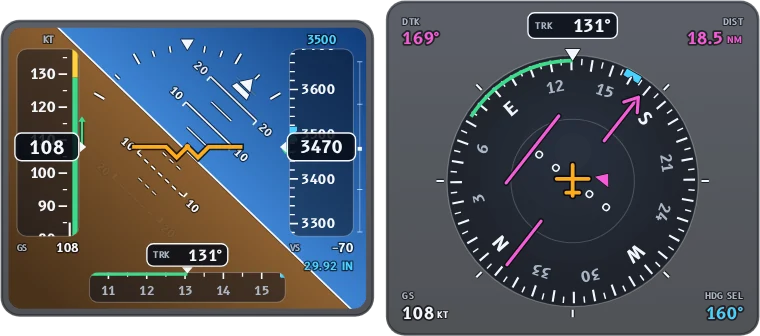
  2. Aviation
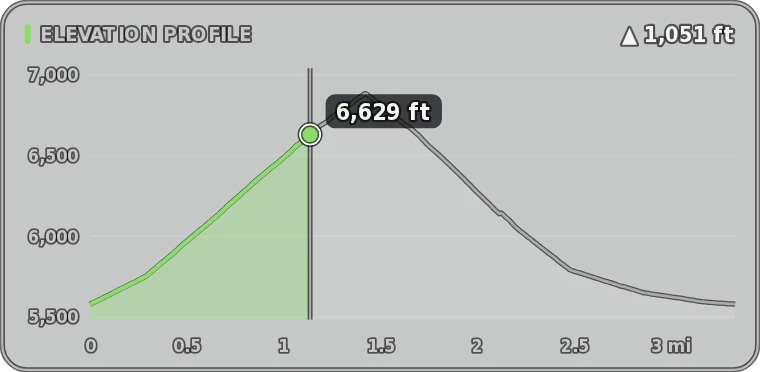
  3. Mountain biking
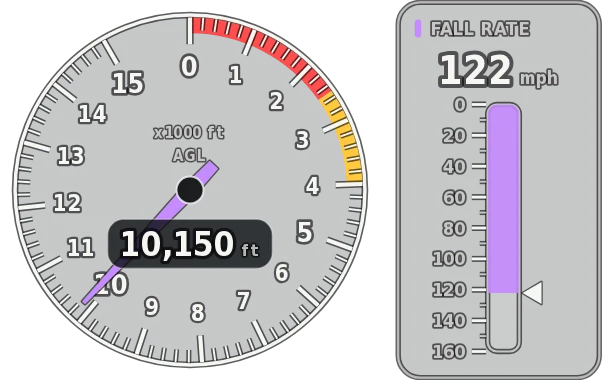
  4. Parachuting
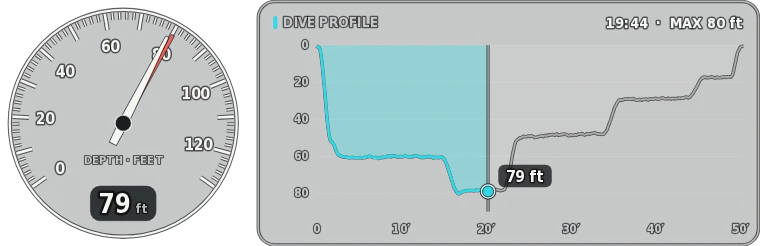
  5. Scuba diving
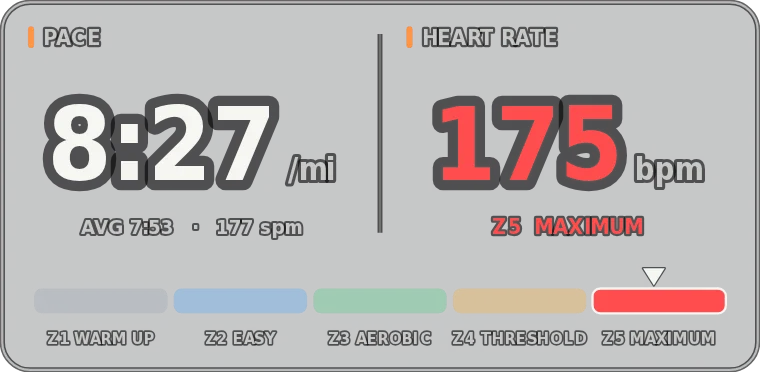
  6. Running
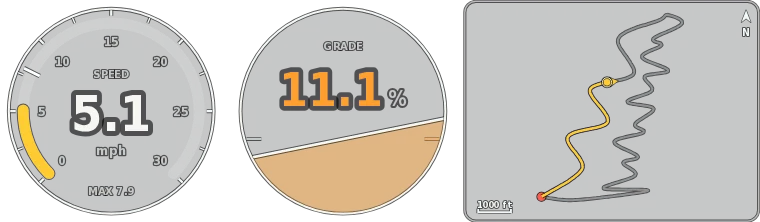
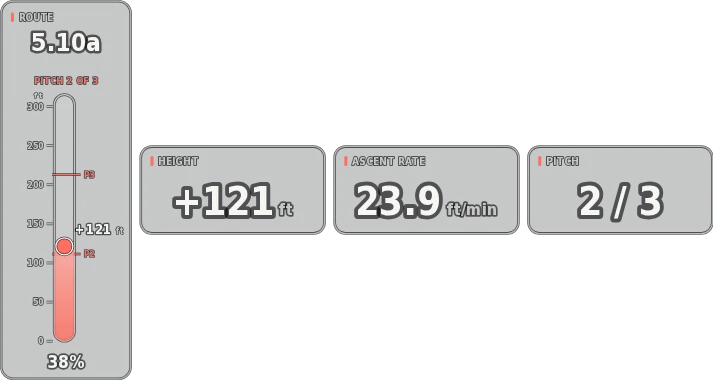
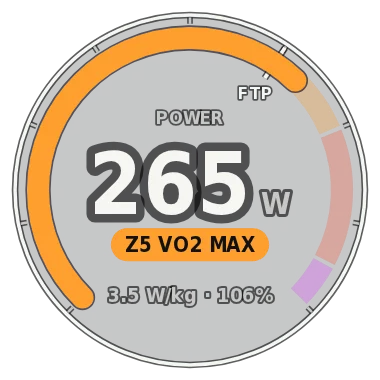
Real exports from the app, drawn from its sample data and sped up. Everything around the gauges is transparent, so your footage shows through.

Reads the files you already have

  • Garmin watches, Edge and Descent
  • Apple Watch via HealthFit
  • Strava
  • Wahoo
  • Zwift
  • Shearwater and Suunto via UDDF
  • Subsurface
  • FlySight
  • ForeFlight

How it works

From log file to timeline in three steps

No templates and no keyframes. The gauges move with your data because they're drawn from it.

  1. Open your log and your clip

    Drop in the file from your device and the video from your camera. Data Overlay picks the sport from the file.

  2. Line it up and pick your gauges

    Set when the video starts and nudge it in tenths of a second. Start from the sport's main gauges or turn on everything, then arrange them how you like.

  3. Export and drop it on your timeline

    Export at your sequence's frame rate. The overlay has exactly as many frames as your clip and a transparent background, so it lines up when both start on the same frame.

  • Combine filesGPS from one device, heart rate or power from another.
  • Fast exportsEvery CPU core, so an hour of footage renders in minutes.
  • PrivateYour logs and videos never leave your computer.

Free trial

Try it on your own footage, free

Download the full app for Mac or Windows. Every sport and every gauge works with your own files. Until you add a license, exports are 5 seconds long with a small watermark.

macOS 13.5 or later (Apple silicon or Intel) · 64-bit Windows 10 or 11

Already a customer? Download the latest version.

  1. Enter your emailNo card needed. We use it to send your download link.
  2. Download and open itFor Mac or Windows. Open your logs and videos and try every sport.
  3. Buy when you're readyPaste your license key in the app and the 5-second limit and watermark are gone.

Pricing

Subscribe, or buy it once

Both include all nine sports on Mac and Windows. A subscription also brings every new feature and sport as it's released.

How many computers?

Macs and PCs in any mix. The price updates as you choose.

Subscription

Includes new features
Billing period
$79.99per year

That's $6.67 a month, 66% less than paying monthly. Renews each year until you cancel.

  • All nine sports, on Mac and Windows
  • Every new feature and sport as it's released
  • Use it on 1 computer
  • Cancel anytime and keep access until the paid period ends
Subscribe for $79.99 a year

One-time purchase

$129.99once

Pay once and keep Data Overlay 2 for good. Nothing renews.

  • All nine sports, on Mac and Windows
  • Bug-fix updates for version 2
  • Use it on 1 computer
  • New features and sports are not included
Buy once for $129.99
  • Checkout by PolarOur reseller handles payment, invoices, sales tax and VAT.
  • Right after you payYour receipt email has an Access purchase button that opens your license key. Download the app from this site.
  • Manage it yourselfCancel, change your card, move your license to another computer or get invoices in the portal.
  • All sales are finalTry the free trial on your own files before you buy.

Prices are in US dollars. Sales tax or VAT is calculated at checkout. By buying you agree to the terms and refund policy.

Questions

Before you buy

What do I need to run Data Overlay?
  • A Mac on macOS 13.5 or later, with Apple silicon or an Intel processor (each has its own download), or a PC with 64-bit Windows 10 or 11.
  • A video editor that reads ProRes 4444 or PNG video with transparency, like Premiere Pro or Final Cut Pro.
  • A log file from your device or app. Each sport's page lists the files it reads.
How does the free trial work?

It's the full app, with every sport and gauge, for as long as you like. Until you add a license, exports are 5 seconds long and carry a small watermark. When you buy, paste your license key in the app and both limits are gone. There's nothing to reinstall.

What's the difference between the subscription and the one-time purchase?

Both include Data Overlay 2 with all nine sports, on Mac and Windows. A subscription also gets every new feature and sport we release while it's active. The one-time purchase is Data Overlay 2 with bug fixes for version 2; features added after version 2 are for subscribers.

How many computers can I use it on?

As many as you choose when you buy, from one to five, Macs and PCs in any mix. Your license key activates on that many computers. To move it to a new computer, deactivate it in the app or in the customer portal. For six or more computers, email [email protected].

Can I get a refund?

All sales are final, for subscriptions and one-time purchases, so please try the free trial with your own files first. Canceling stops future charges but doesn't refund earlier ones. We only refund billing mistakes, like a duplicate charge, or where your country's consumer law requires it. The refund policy has the details.

Does it upload my files?

No. Your logs and videos are read and rendered on your own computer. The app goes online only to check your license key and to look for updates (and, if you turn them on, for weather and terrain lookups).

More help, including installing on Mac and Windows, is on the support page.

Your data is already recorded. Put it on screen.

All nine sports, on Mac and Windows. Try it free, then from $19.99 a month, $79.99 a year or $129.99 once.